Category: Announcements

  • Making Your Practice Records Even More Meaningful

    Making Your Practice Records Even More Meaningful

    We have added several new features to the Practice Record section of Terakoya Cloud to help you elevate your daily sessions.

    Practice Hints

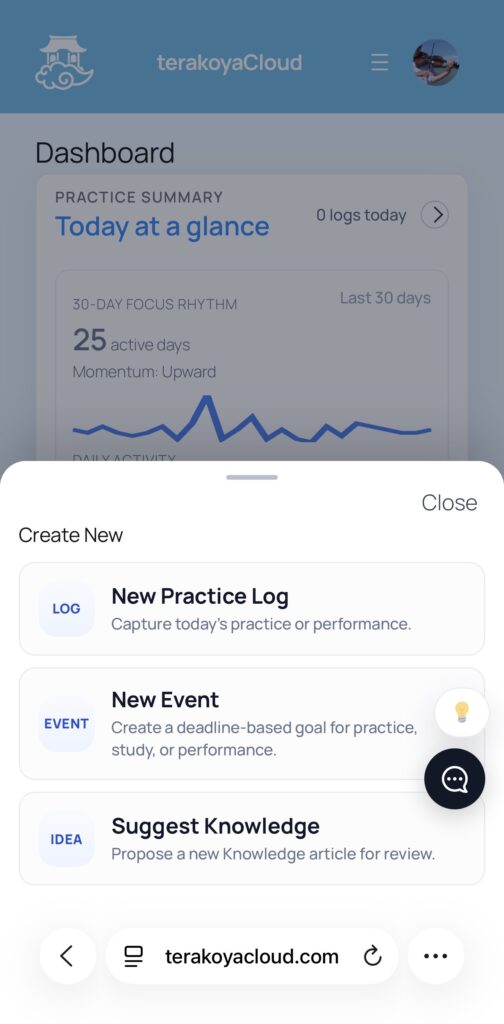
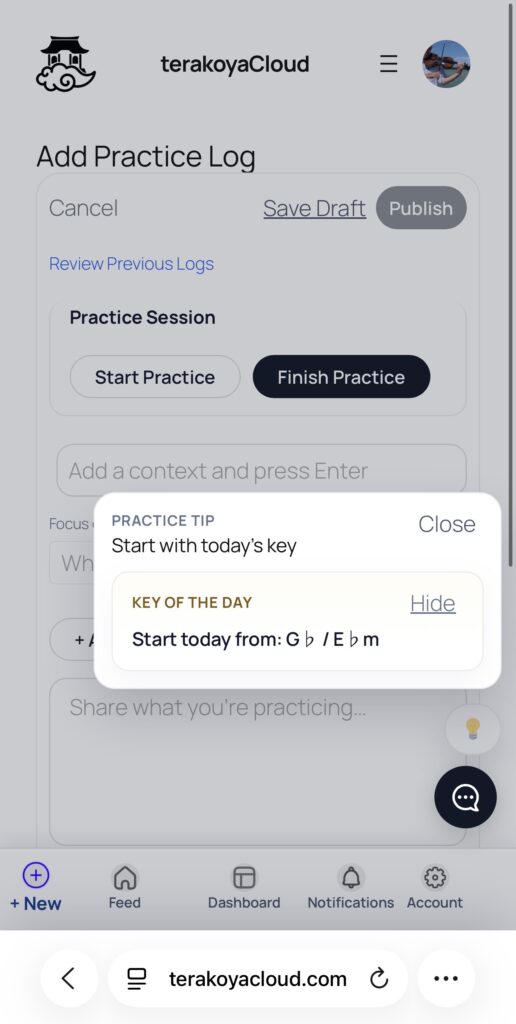
    First, you’ll notice a new lightbulb icon (💡) on your practice record screen and dashboard. Clicking this will display helpful tips for your practice. Currently, it features “Today’s Key.”

    Instead of always starting with C Major, changing your key daily adds depth and variety to your scale practice. We plan to roll out more useful tools here in the future. If you have any great ideas, we’d love to hear them! Please share your thoughts via the comment icon (💬) located just below.

    Screenshot

    Time Tracking

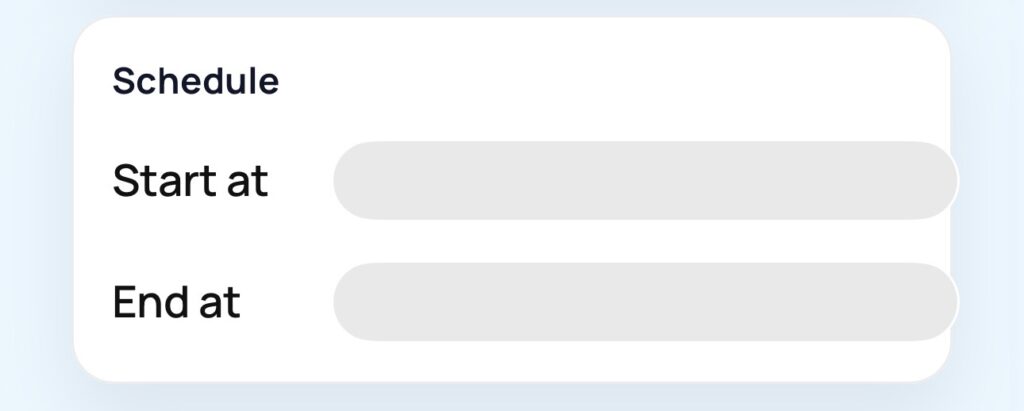
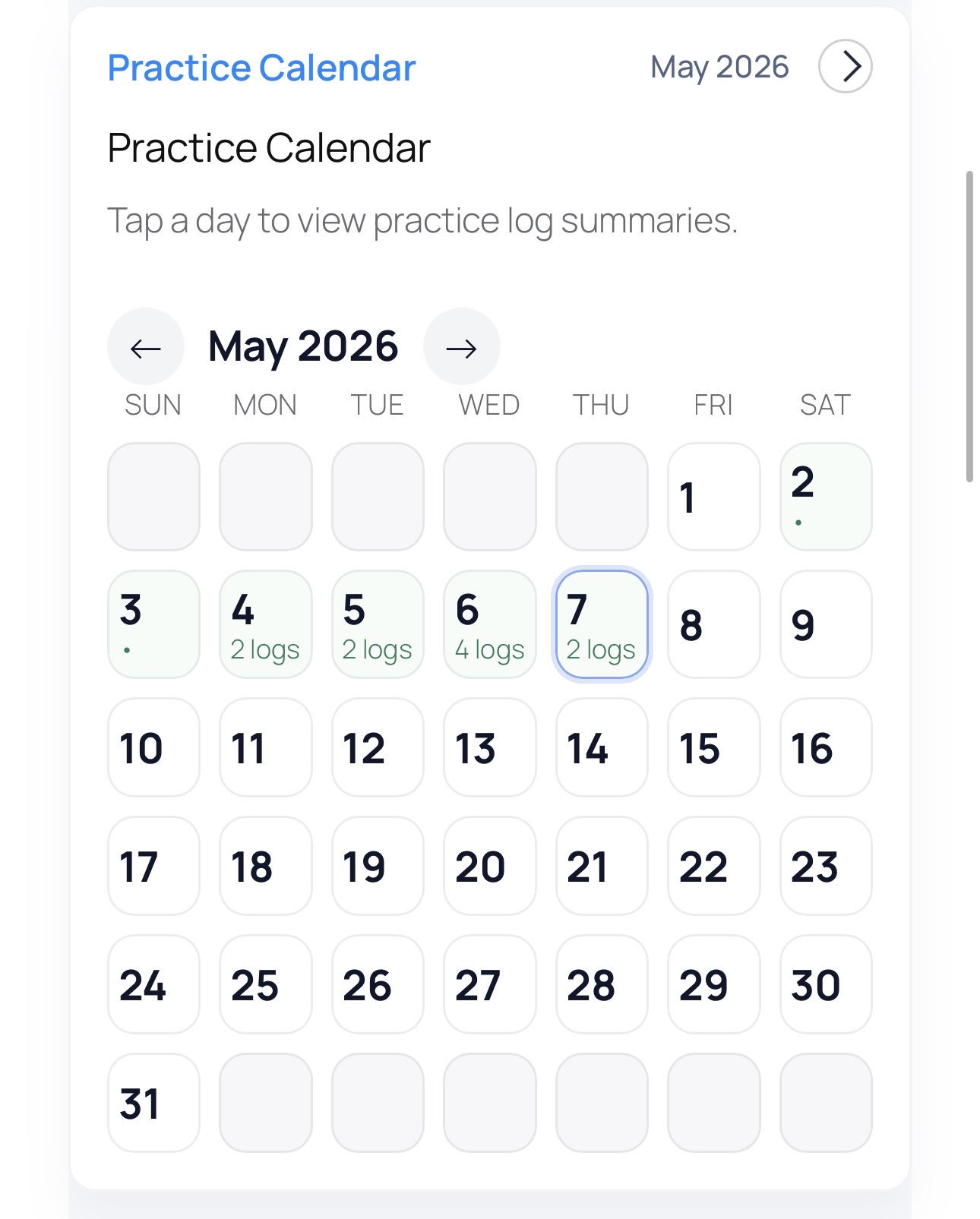
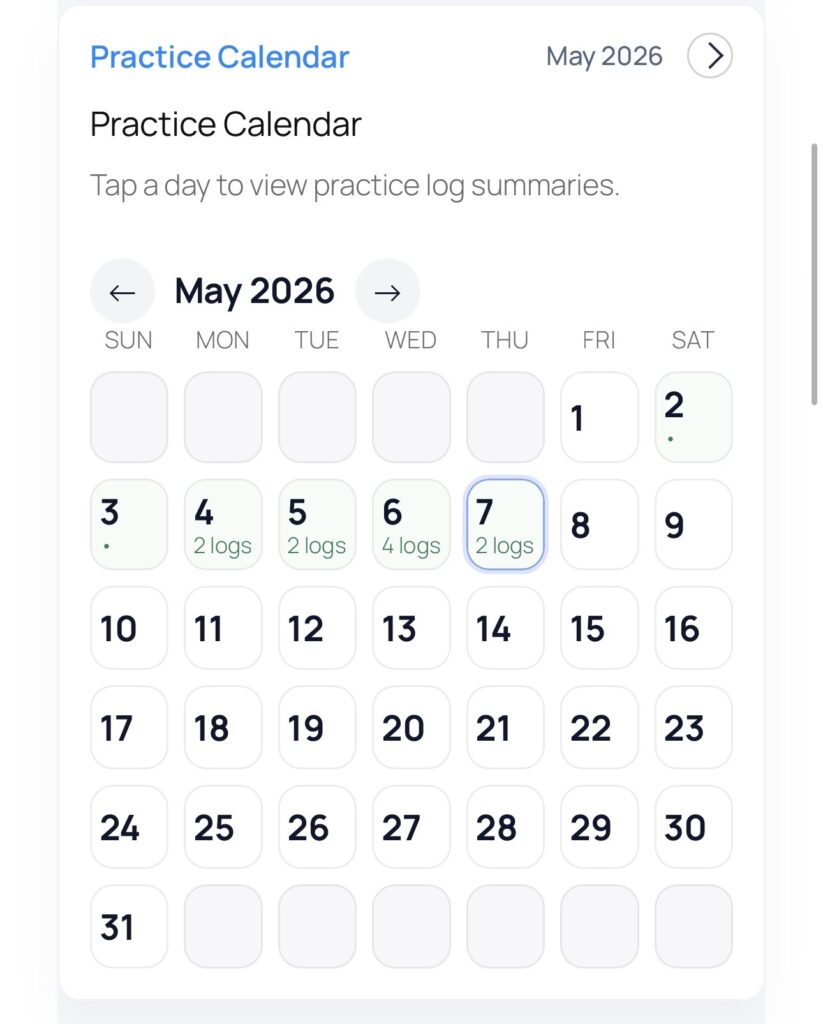
    You can now record the start and end times of your practice sessions. At Terakoya Cloud, we believe the true quality of practice lies in identifying specific challenges rather than just “putting in the hours.” However, tracking your time is a great way to understand your personal rhythm and is a highly requested feature for those who value time management. We decided to implement this to support every style of learning.

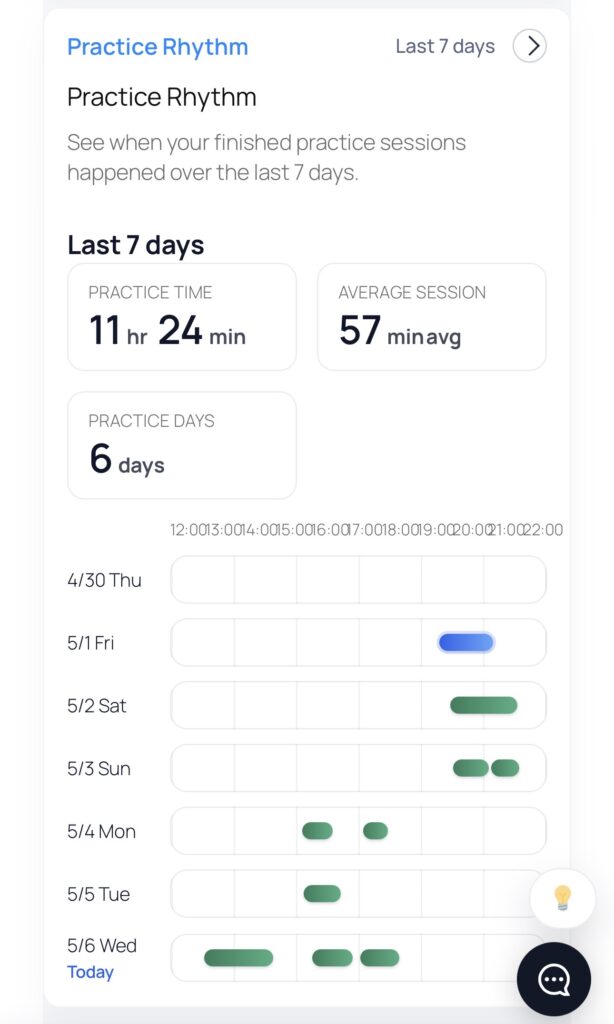
    Screenshot

    With this update, you can now visually track your practice flow. By checking your total practice time and daily average over the past 7 days, you can better manage your scheduling and maintain a steady pace.


    While keeping records is important, the ultimate goal is to increase the effectiveness of your practice. We know that practicing an instrument can often feel like a lonely battle, which is why Terakoya Cloud focuses on connecting with others.

    In our next update, we will introduce a new feature designed to make your practice even more intensive—and more enjoyable!

    Stay tuned!

  • [Update] Intuitive & Effortless. New Rating System and Dashboard Live Now!

    [Update] Intuitive & Effortless. New Rating System and Dashboard Live Now!

    We’ve updated the Terakoya Cloud (TCPL) user interface! This update focuses on making your daily practice sessions easier to log and more visual to review.

    1. Simpler “Focus” Ratings

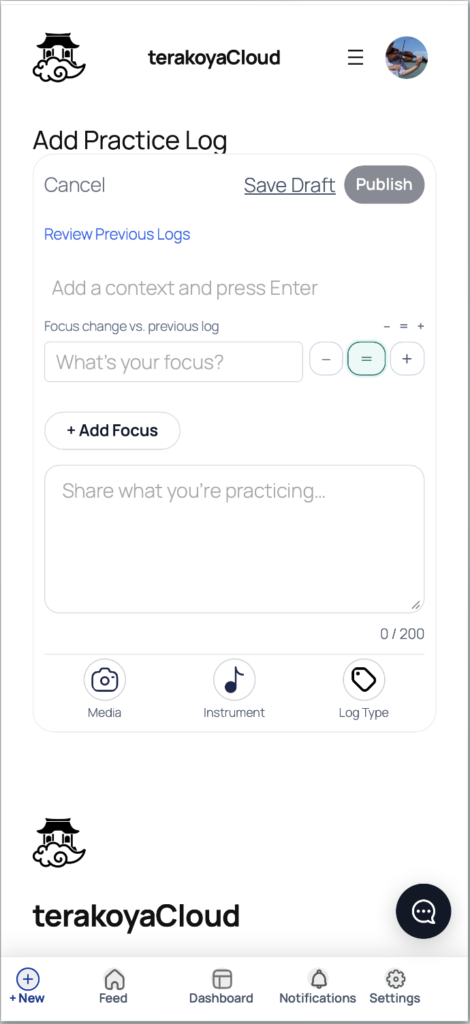
    When logging your practice, you track your “Focus”—those long-term technical goals like posture, fingering, or bowing.

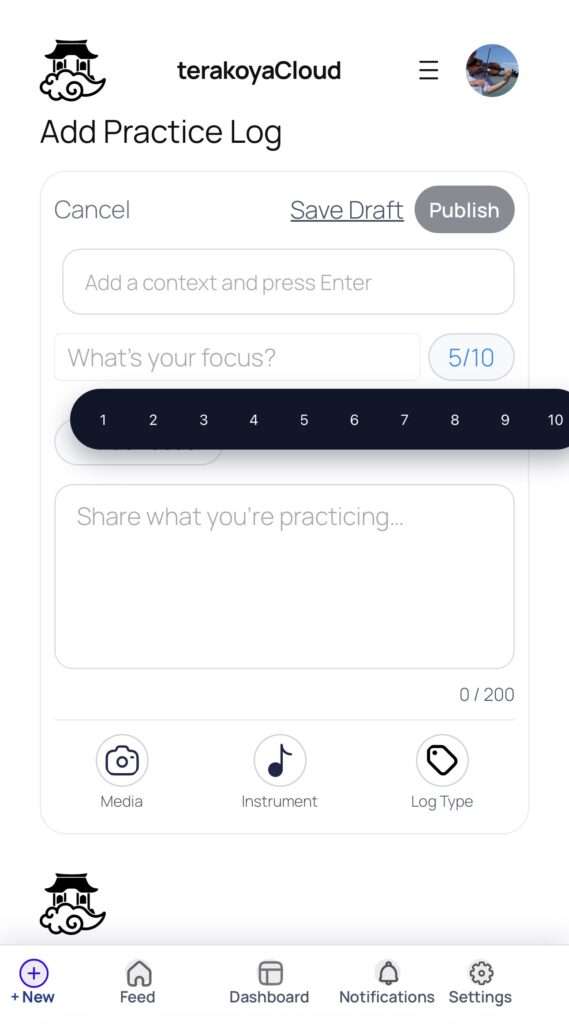
    Previously, we used a 1-to-10 scale. However, based on your feedback that “numbers are hard to decide” and “I want something more casual,” we’ve simplified it to a 3-point system based on your previous session:

    • Plus (+): Improved
    • Neutral (=): No change
    • Minus (-): Needs work

    By simply comparing yourself to “who you were yesterday,” logging becomes frictionless and much easier to maintain as a habit.

    2. Visualize Your Journey: The Dashboard

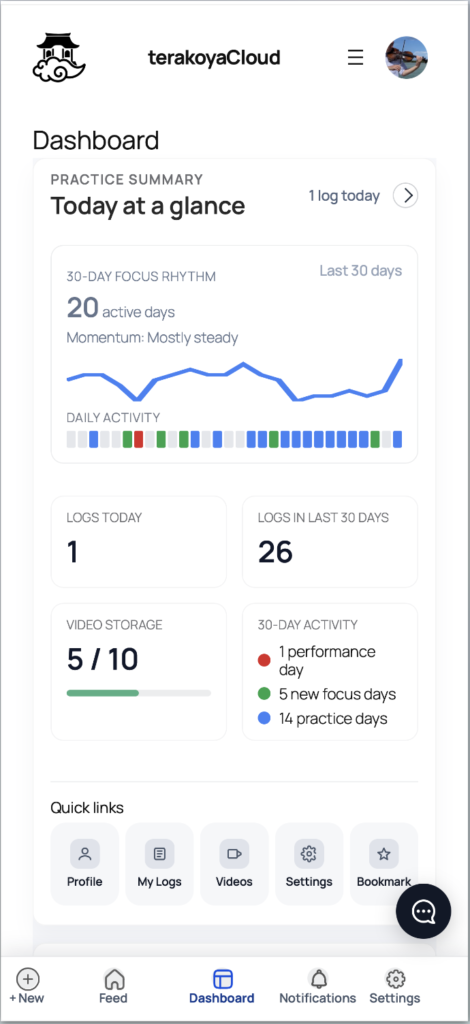
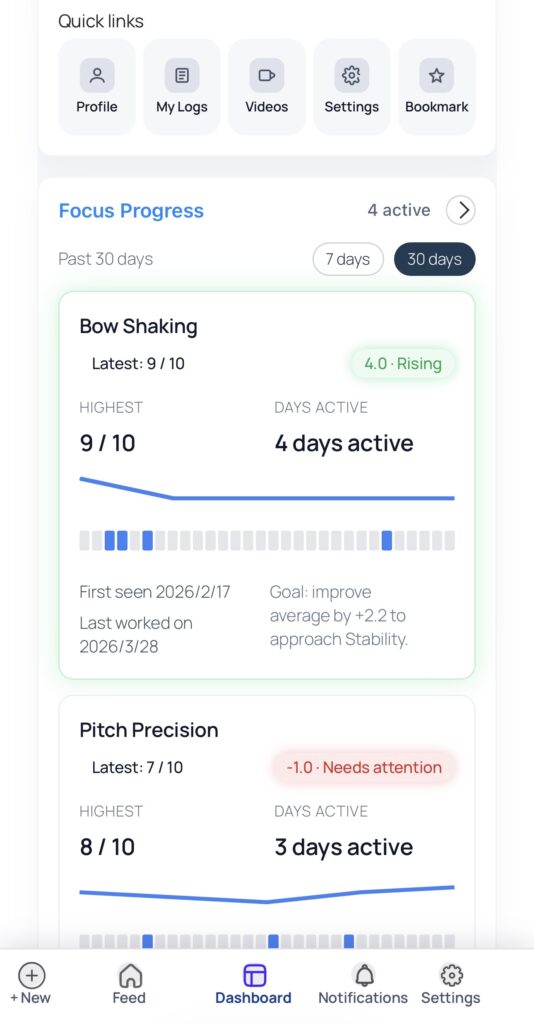
    We’ve built a dedicated Dashboard to help you see your progress at a glance.

    • Today at a Glance: Get a quick overview of your overall status.
    • Focus Progress: Track how specific technical challenges are improving over time.

    Since this is based on self-evaluation, you might sometimes wonder if you’re being too easy or too hard on yourself. But by keeping at it, you’ll naturally gain a clearer perspective on your growth, as if observing yourself from a distance.

    3. We Want to Hear from You (Feedback Feature)

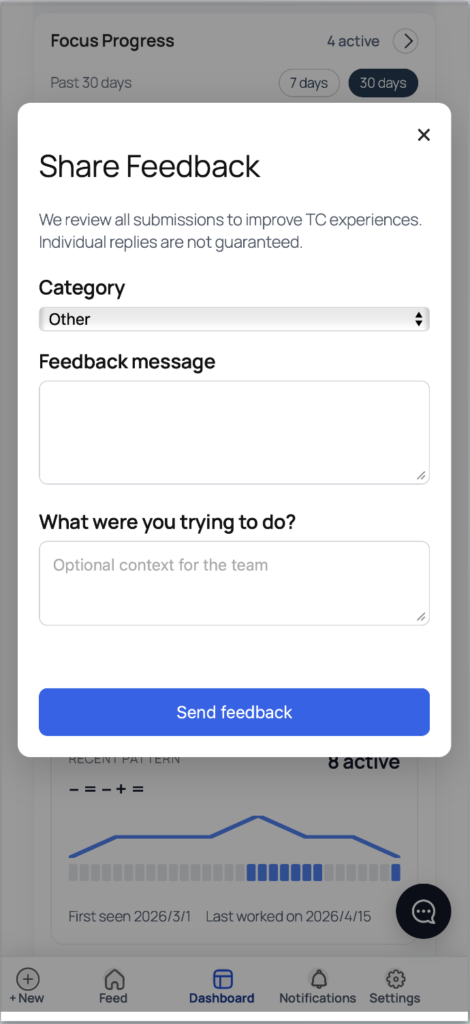
    TCPL is still evolving! We’ve added a new way for you to send us your thoughts directly from the site. Whether it’s a bug, a confusing UI, or a feature request, please let us know.

    Every piece of feedback helps us build a better platform for everyone.

    TCPL aims to be the ultimate partner for every music lover’s practice journey. If you haven’t tried it yet, please explore the new UI via our Demo User account. We’d love for you to sign up and see how it accelerates your progress!

  • When You Keep Recording “How Was Today Compared to Yesterday?”

    When You Keep Recording “How Was Today Compared to Yesterday?”

    Do you ever practice every day and still wonder, Am I really improving?

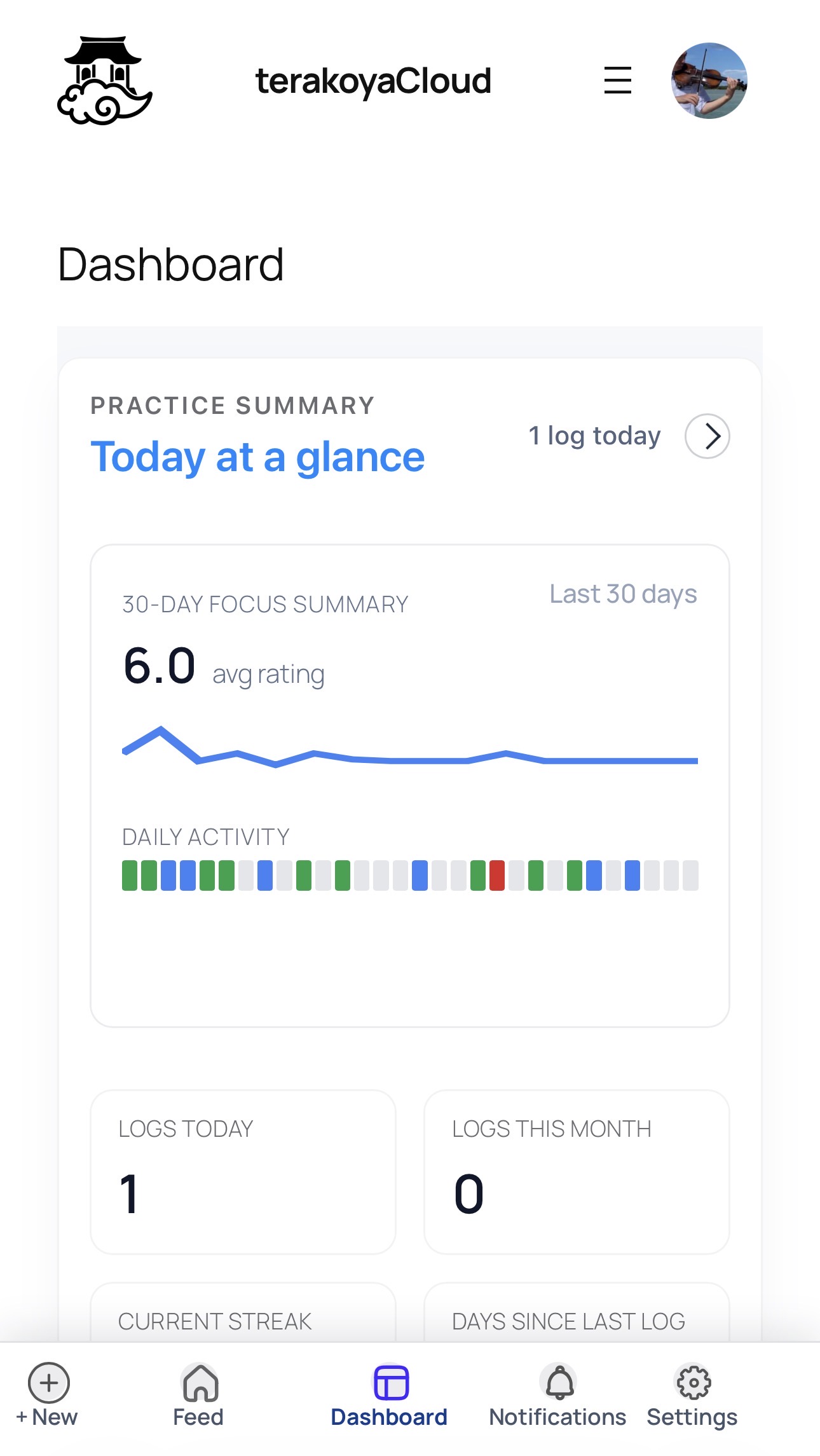
    The dashboard that brings your practice logs together has become even more powerful.

    After your daily instrument practice, all you have to do is give yourself a simple self-rating, like:
    “Was I able to play a little better today than yesterday?”
    By continuing to log that feeling, your records begin to turn into graphs.

    And for people who want to reflect a little more deeply, you can rate your playing from different angles on a scale of 1 to 10, such as:

    • My violin bowing felt good today!
    • But my intonation was not so great…
    • My rhythm felt good, and it was fun!

    When you keep recording your practice this way, you gradually start to see your strengths more clearly, notice the areas that need more work, and find hints for what you may want to focus on in future practice.

    In addition to your self-ratings, the dashboard also keeps track of your practice history over the past 7 or 30 days. This makes it easier to look back and see whether your practice sessions are becoming too spread out, and whether you are staying in regular touch with your instrument. There is no need to put too much pressure on yourself, but when you can clearly see the path of what you have done, practice starts to feel more rewarding.

    This time, I redesigned the dashboard in many visual ways, but I did not change anything complicated like how the data is collected or how the program works behind the scenes. I simply changed how the same data is presented. Even so, I was surprised by how much that alone changed what the dashboard communicates.

    Just by continuing to record “How was today compared to last time?”, it becomes easier to see the flow of your past practice and the things you may want to pay attention to from here on.

    Everything is free. Please try it first with a demo account!

  • Try It Free — No Signup Required: TCPL Demo Users Now Available

    Try It Free — No Signup Required: TCPL Demo Users Now Available

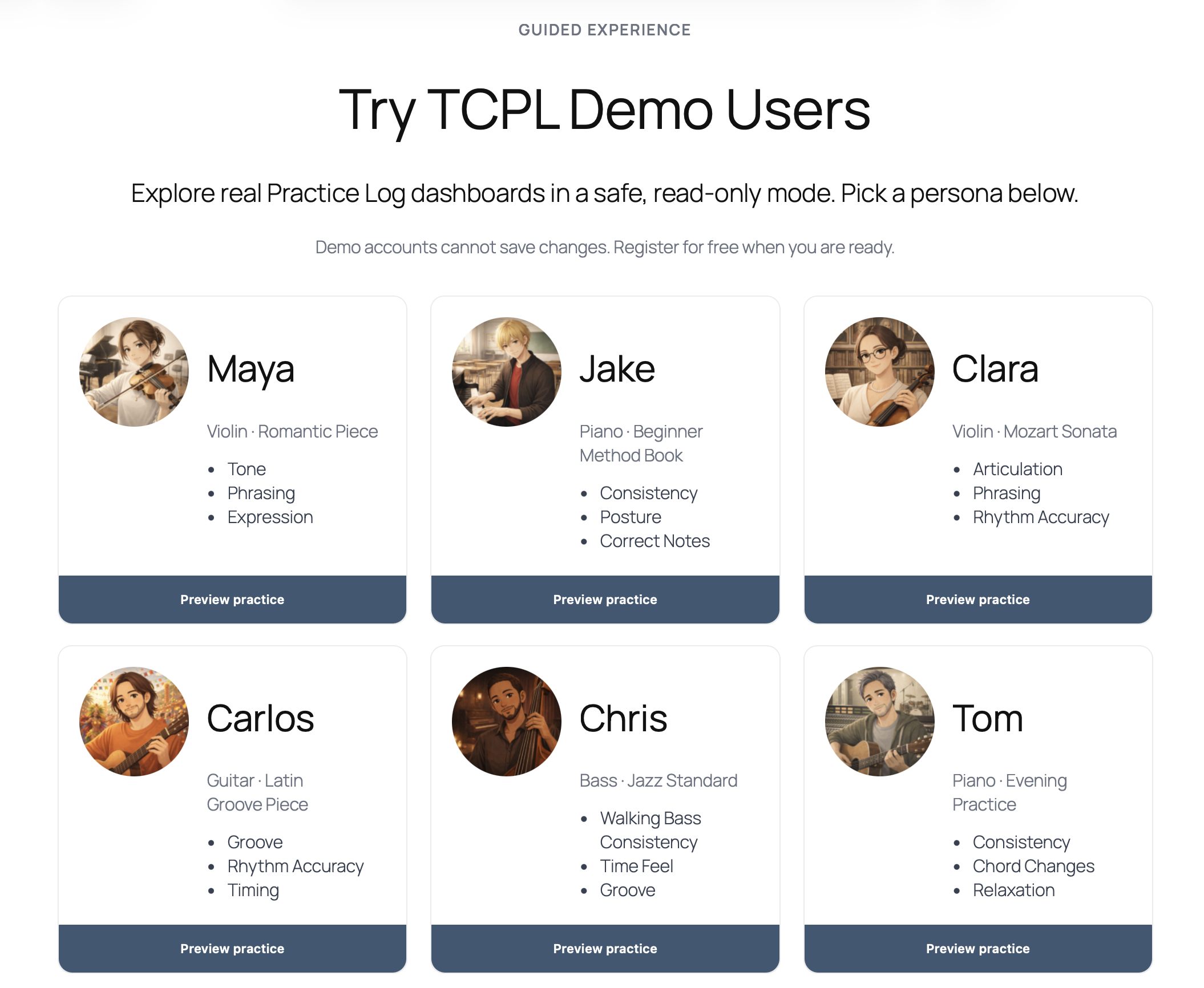
    We have released demo users on terakoyaCloud so you can experience how TCPL works.

    You can explore real Practice Log dashboards without creating an account.
    Everything runs in a safe read-only mode, so you can freely browse the system.

    If you’re wondering:

    • What can this platform actually do?
    • How do people log their practice?
    • What does the dashboard look like?

    The best way to understand it is simply to try it yourself.


    What You Can Explore

    The demo users allow you to see how musicians actually use TCPL to structure their practice.

    You can explore things like:

    • How Practice Logs are recorded
    • How Focus is used to track ongoing improvement
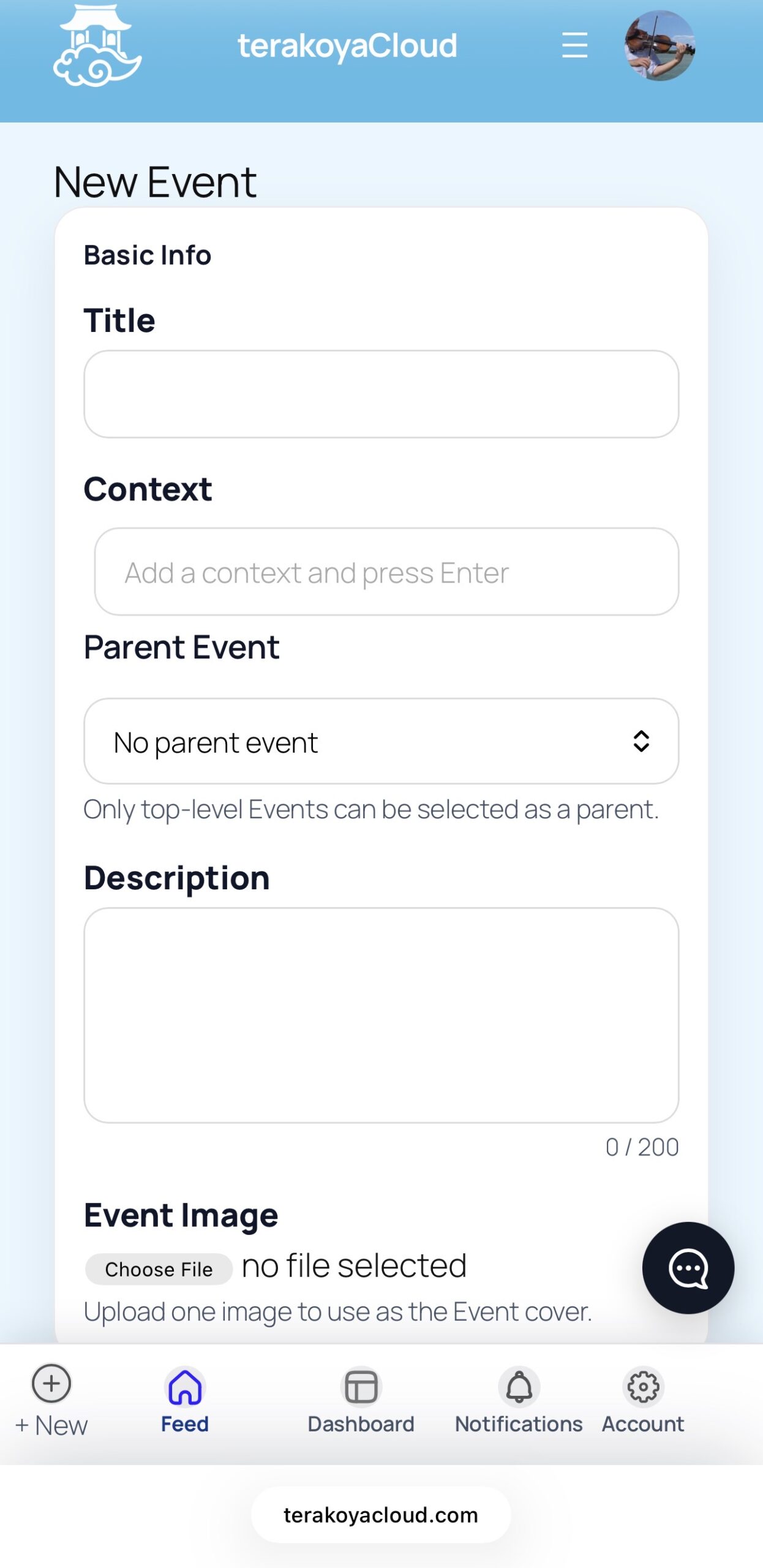
    • How Context represents goals such as pieces or performances
    • How the dashboard organizes practice history
    • How feedback and collaboration can work

    Each demo persona represents a different type of musician and practice style.

    For example:

    • Guitar Latin groove practice
    • Bach violin practice
    • Daily piano sessions
    • Cello Bach suites
    • Beginner piano practice

    This gives you a realistic picture of how the platform can be used.


    Try the Demo Users

    You can explore the demo accounts here:

    When you click a persona, you’ll enter the system as that user and can browse their dashboard and practice logs.

    To keep things safe and simple, demo accounts run in read-only mode.

    That means:

    • No changes can be saved
    • No posts can be published
    • Nothing will affect the real system

    You can simply explore how everything works.


    Why We Built Demo Users

    Practicing an instrument is often a very solitary process.

    Many musicians struggle with questions like:

    • Am I practicing the right things?
    • Am I actually improving?
    • How do other people structure their practice?

    Without visibility into how others practice, it’s easy to feel lost.

    terakoyaCloud was created with a simple idea:

    Practice can be shared.

    You can learn from someone else’s practice,
    and your own practice might inspire someone else.

    The goal is to create a space where musicians can

    • document their practice
    • reflect on progress
    • and support each other’s growth.

    Start Your Own Practice Log

    Once you’ve explored the demo users, you can create your own account and start logging your practice.

    TCPL allows you to:

    • Record practice sessions
    • Organize goals and challenges
    • Invite feedback from others

    All of this is free to use.


    Start by exploring the demo users and see how musicians structure their practice.

    Your practice might one day inspire someone else.

    What is TCPL?

    TCPL (TerakoyaCloud Practice Log) is a platform designed to help musicians make their practice more visible, structured, and collaborative.

    Instead of practicing alone without feedback, TCPL allows musicians to:

    • record their practice sessions
    • track long-term improvement through Focus
    • organize goals such as pieces or performances through Context
    • invite feedback from other musicians

    The idea is simple:

    Your practice can help someone else.

    By sharing practice logs, musicians can learn from each other’s process—not just the final performance.

    Whether you’re a beginner or an experienced player, TCPL helps turn daily practice into a shared learning experience.

  • TerakoyaCloud Prototype Is Now Live

    ― A place to share your practice ―

    Today, I have published the prototype version of TerakoyaCloud (TCPL) on the live site.

    It is not a finished product.
    Rather, it is an experimental space that will grow over time.

    First, I will participate myself and start building my own Practice Logs.


    What TerakoyaCloud Aims To Be

    TerakoyaCloud is designed as a place where you can:

    • Record the process, not just the results
    • Describe what you are refining, not just the name of a piece
    • Request feedback only when you truly need it

    What Is TerakoyaCloud?

    TerakoyaCloud is a platform for people who practice.

    It is built around:

    🎹 Practice Log
    🎯 Goal (technical focus)
    🎻 Instrument organization
    ✉️ Invitation (feedback request)

    There are no “likes.”
    There are no follower counts.

    The aim is a quiet but forward-moving space.

    Here, we simply:

    Show up.
    Do the work.
    Visualize your practice.

    That’s all.


    It Is Still a Prototype

    This is currently an MVP (Minimum Viable Product).

    • The Invitation feature is still evolving
    • The UI is under refinement
    • Bugs may appear

    I chose to publish it anyway.

    Because the only way to improve it is to use it in real conditions.

    If you are curious, you are welcome to register and try it.
    Please understand that this is still a prototype.

    If necessary, registration may be temporarily limited.


    What Comes Next

    For now, I will focus on adding more logs.

    What kind of Goals will I set?
    How will I reflect on my practice?
    How will I use Invitations?

    Everything will be tested in practice.

    TerakoyaCloud aims to become a place where
    everyone is both a learner and a teacher.

    It is not complete.

    But it has begun.

    This is where it starts.

    — Katsufumi Seki